Work/Giraffe360/Giraffe360 · 2024–2025
Product education
Product education · Tutorial series · Video editing
The full Using Your Giraffe360 training library: nine tutorial films covering the dashboard and editing tools, so agents could learn the product without a support call.
Watch the full playlist →Pain points
- The product was powerful, and the first session could feel like a lot.
- Support and customer success were answering the same 'where is that?' questions on repeat.
- Launch films sell the dream. New customers still needed a calm, clear way in.
Solution
Treat education like a campaign. Short episodes, one job each, cut with the same craft as the brand work so tutorials did not feel like a downgrade.
Campaign
I edited Giraffe360's Using Your Giraffe360 playlist: nine training videos that walk agents through the dashboard and the tools. Dashboard episodes cover introduction, accessing and sharing content, AI property descriptions, adding and removing assets, and managing the account. Tools episodes cover the Floor Plan Editor, Virtual Tour Editor, Panorama Editor, and Still Photo Editor. Onboarding, help centre, and social could all point to the same library. The tone is practical, not patronising: here is the tool, here is how you actually use it.
Education is still advertising. If the tutorial looks cheap, the product feels cheap.
Results
- Built a reusable nine-episode education library instead of one-off screen recordings.
- Covered the full path from first dashboard login through the editors agents use every day.
- Gave CS and onboarding a playlist they could send in the first week.
- Kept product launches honest: the hero film and the how-to lived in the same world.
Training videos
Introduction
Dashboard · Episode 1
Watch on YouTube ↗Watch How to Access & Share Content on YouTube
How to Access & Share Content
Dashboard · Episode 2
Watch on YouTube ↗Watch Creating AI Property Descriptions on YouTube
Creating AI Property Descriptions
Dashboard · Episode 3
Watch on YouTube ↗Watch Adding & Removing Assets on YouTube
Adding & Removing Assets
Dashboard · Episode 4
Watch on YouTube ↗Watch Managing Your Account on YouTube
Managing Your Account
Dashboard · Episode 5
Watch on YouTube ↗Watch Floor Plan Editor on YouTube
Floor Plan Editor
Tools · Episode 1
Watch on YouTube ↗Watch Virtual Tour Editor on YouTube
Virtual Tour Editor
Tools · Episode 2
Watch on YouTube ↗Watch Panorama Editor on YouTube
Panorama Editor
Tools · Episode 3
Watch on YouTube ↗Watch Still Photo Editor on YouTube
Still Photo Editor
Tools · Episode 4
Watch on YouTube ↗Case studies
Related work
04 from Giraffe360
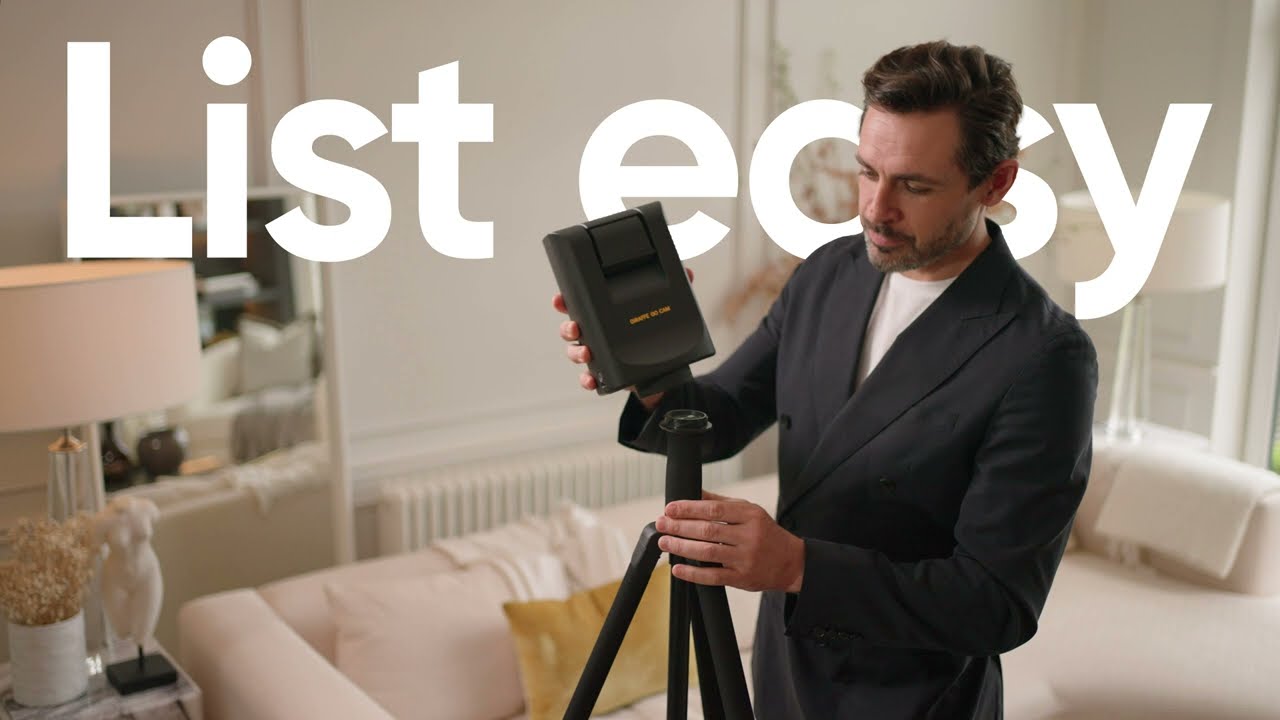
List Easy
2024A product-led brand film that made listing a property feel effortless: one capture, a complete media kit, content ready for every channel.
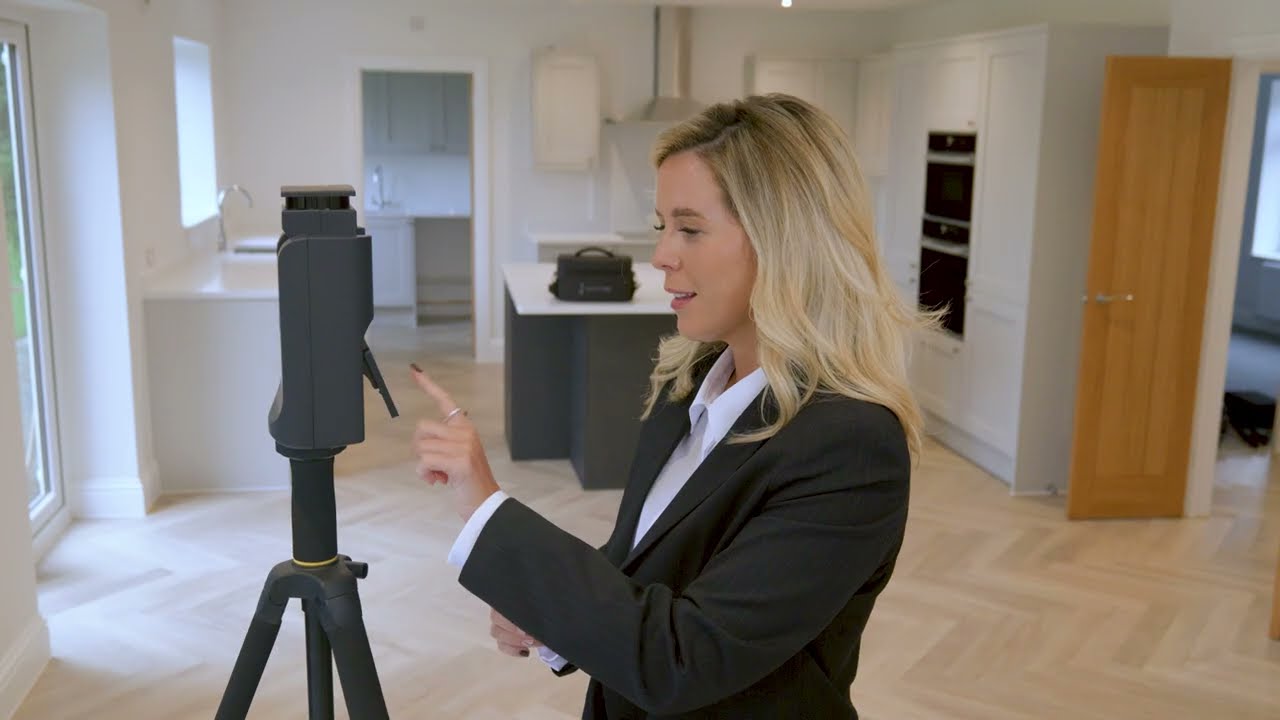
Record-breaking months
2024Customer films that let agents say what the product cannot, including Your Move Nolan Throw's record-breaking months with Giraffe360.
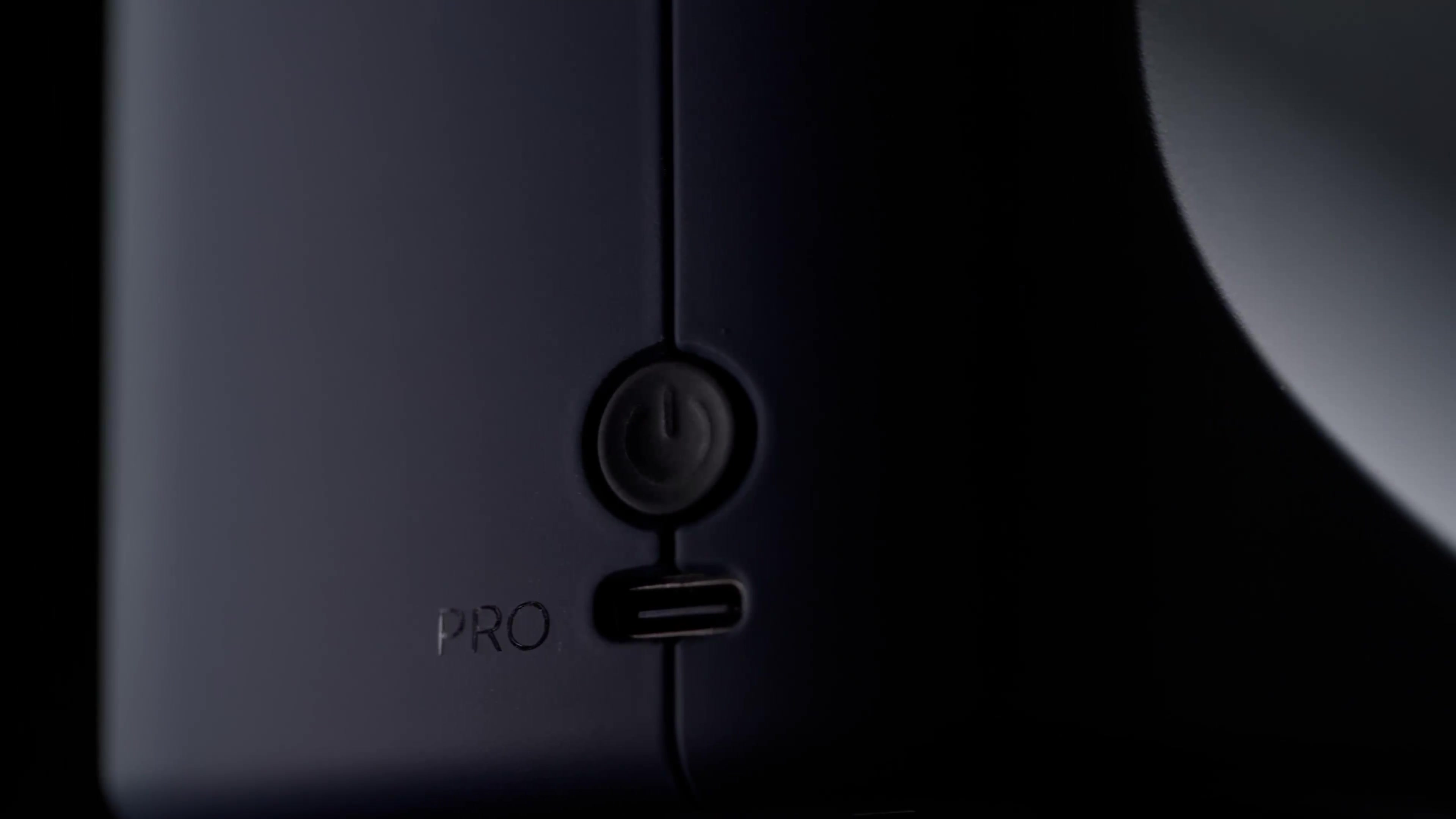
PRO Camera launch
2025PRO Camera launch: briefed the video agency for the teaser and follow-on films, then ran a multi-city YouTube live programme from Southam…

Thirty-two exports. Every two weeks.
2024At Giraffe360 the bottleneck was not the edit, it was the export matrix. I used ChatGPT to build a custom app alongside Premiere Pro and…